
*Die meisten „Google TV“-Probleme lassen sich durch einen Neustart Ihres Google TV beheben.*
Schritte zur Aktualisierung von Google TV:
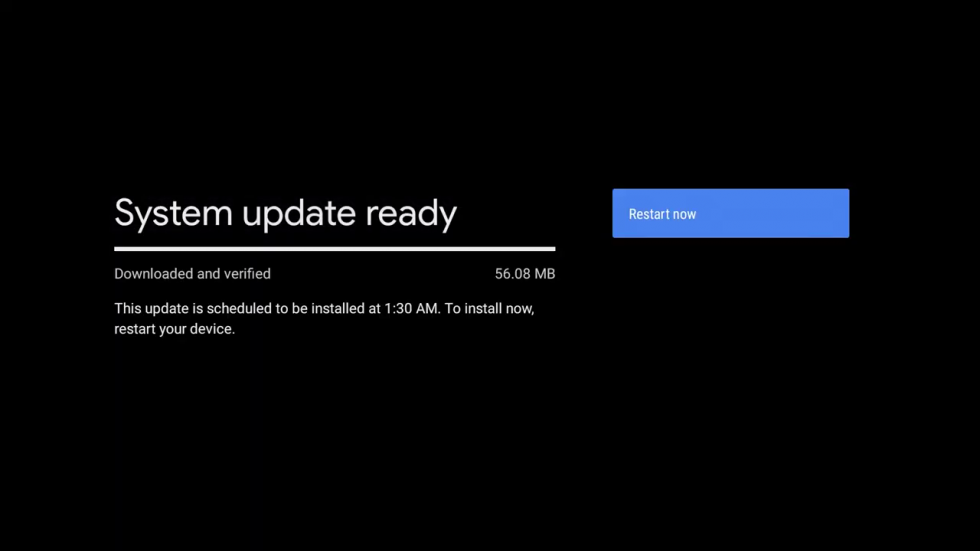
1. Prüfen Sie, ob Software-Updates auf Ihrem Google TV verfügbar sind, indem Sie zu [Einstellungen > System > Info > System-Update] navigieren. Wenn Ihr Gerät ein Update findet, klicken Sie auf „Update installieren“.
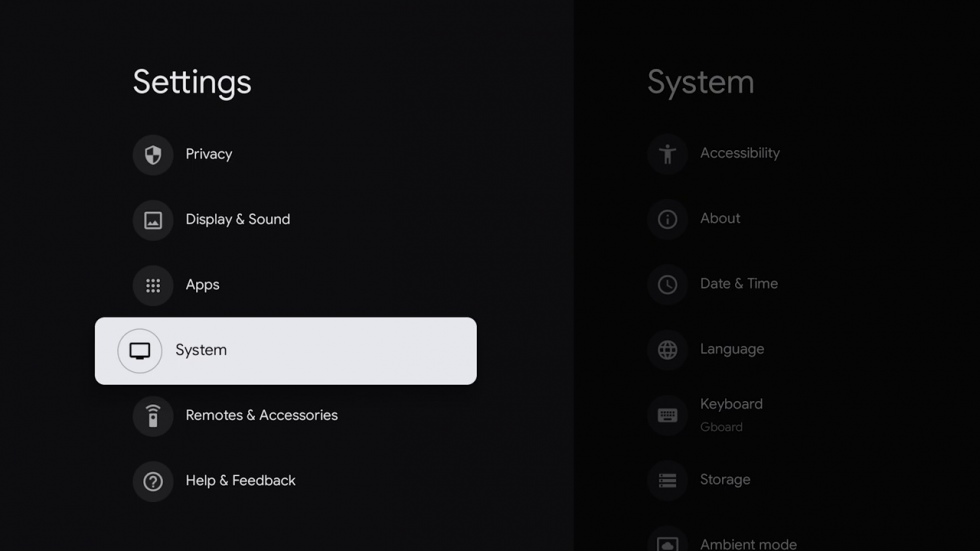
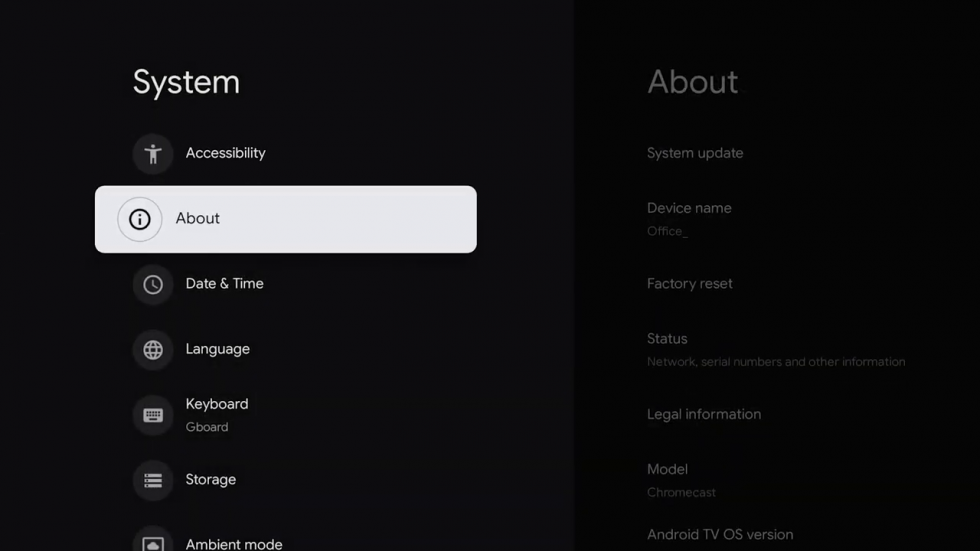
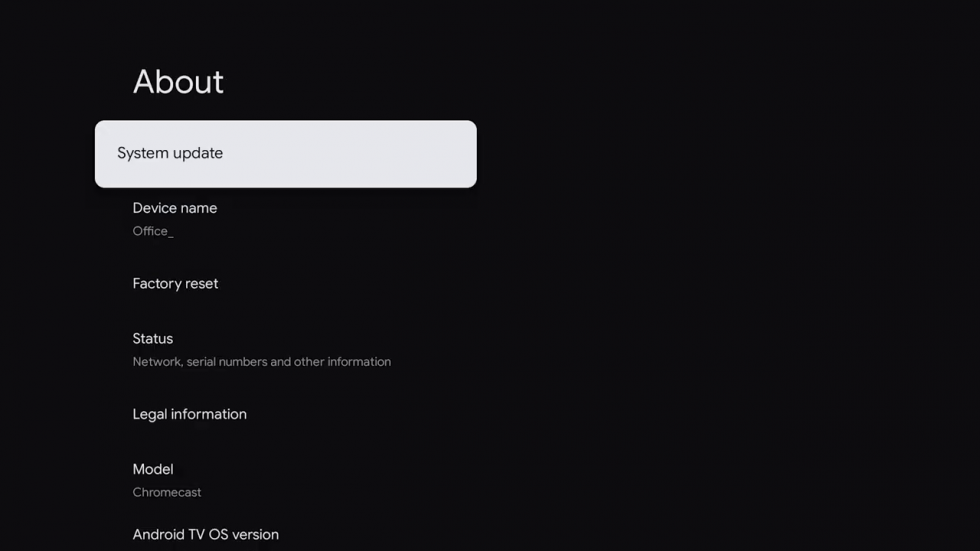
2. Starten Sie dann Ihr Google TV neu unter [Einstellungen > System > Neu starten].
If you're still experiencing issues after following the steps above, please reach out to the support team.
Verknüpfung mit