
Keeping your device updated helps ensure the Angel app runs smoothly. Follow the steps below to update your iPhone or iPad to the latest software.
- Plug your device into power and connect to the internet via WiFi.
-
Go to Settings then General, then tap "Software Update."
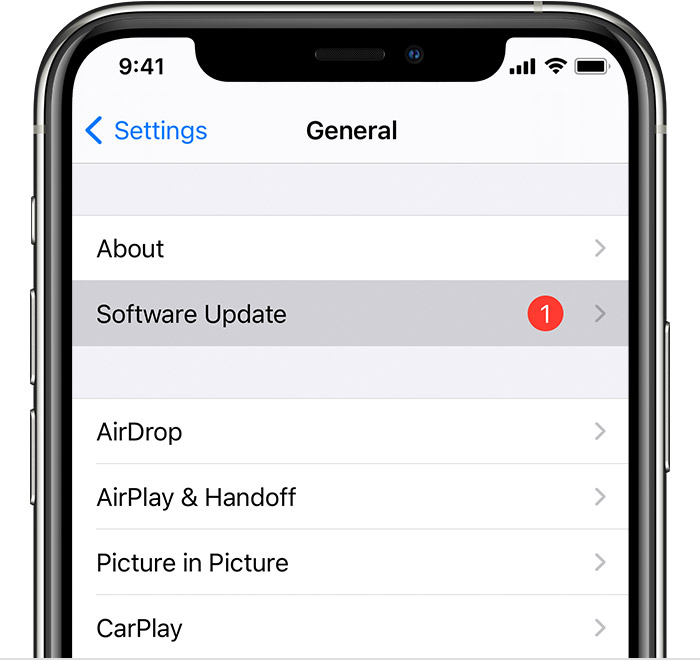
- Tap "Download and Install." If prompted to temporarily remove apps to make space for the update, tap "Continue" to proceed.
- Tap "Install" to update immediately. If you prefer to update later, tap "Later" and choose "Install Tonight" or "Remind Me Later." If you select Install Tonight, make sure your device is plugged into power before you go to sleep.
- Enter your passcode if prompted.
Once your device has finished updating, reopen the Angel app and check if your issue has been resolved.