
*Most Google TV problems can be solved by restarting your Google TV.*
Google TV updating steps:
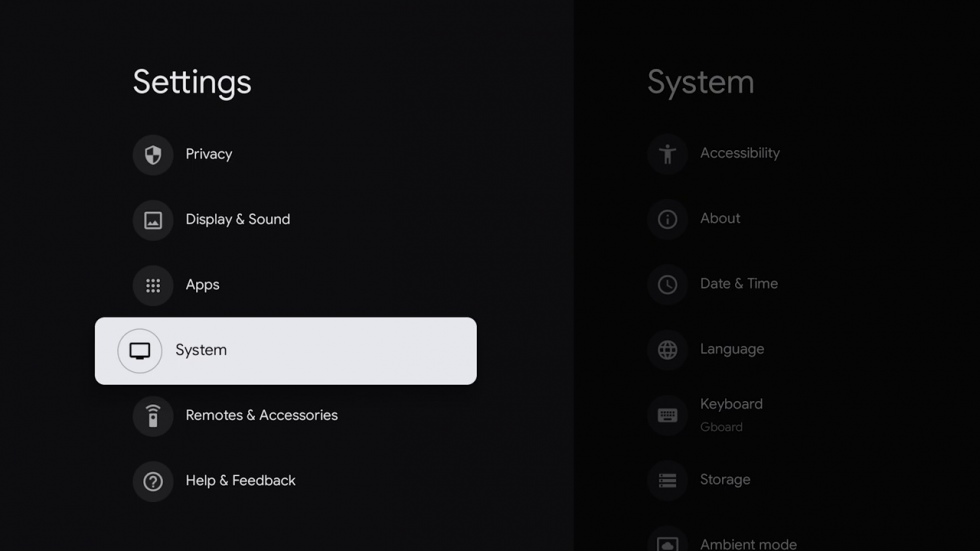
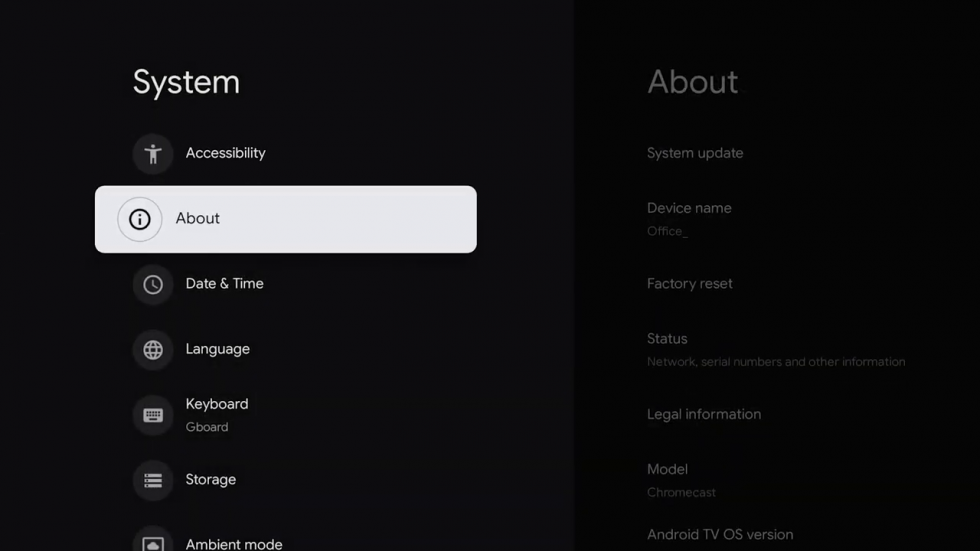
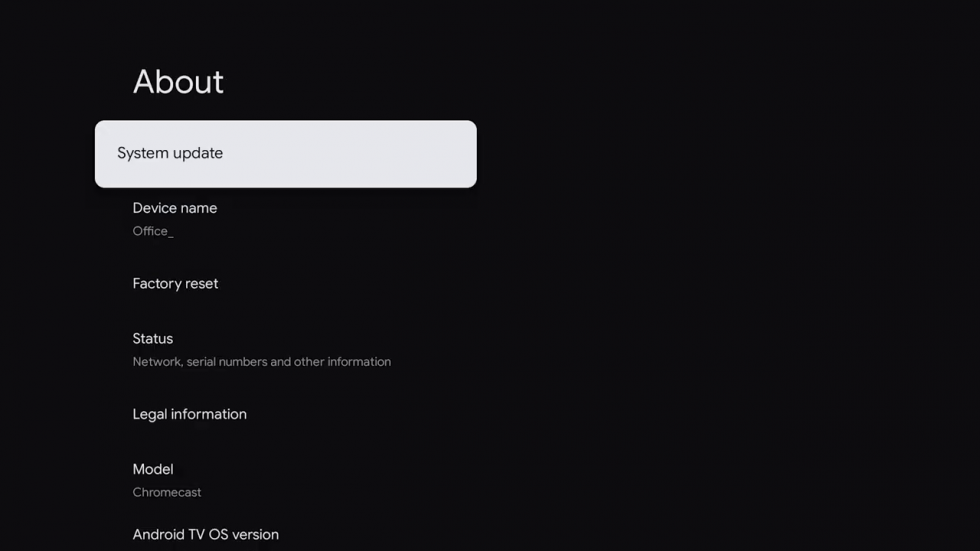
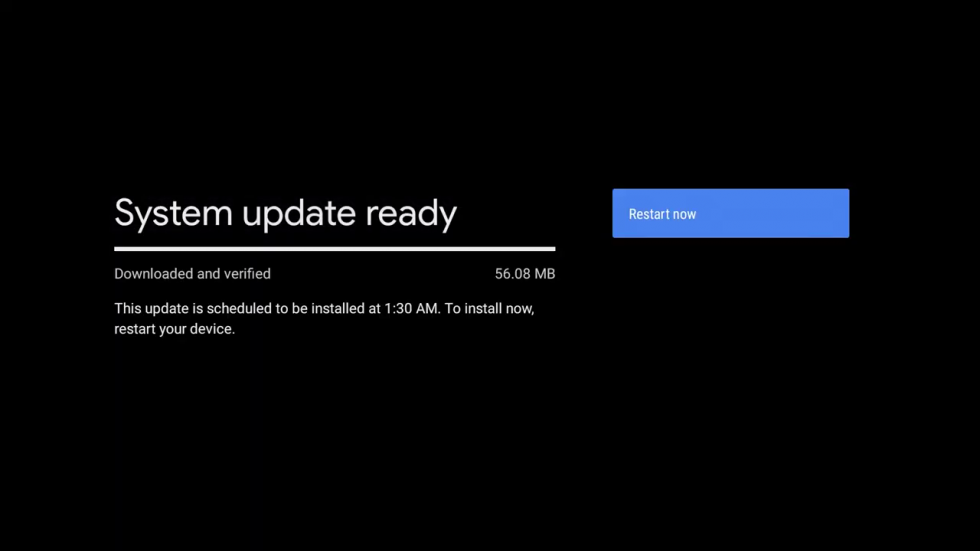
1. Check for software updates on your Google TV by navigating through [Settings > System > About > System update]. If your device finds an update, click 'Install Update'.
2. Next, restart your Fire TV [Settings > System > Restart].
If you're still experiencing issues after following the steps above, please reach out to the support team.
Associé à